Tools & Equipment
Tornador Not Working As Expected? A Safe Troubleshooting Checklist
The Cen-Tex Counter · Nov 18, 2026 · 3 min read
Separate air-supply, liquid-delivery and visible-wear questions before replacing parts. Identify the exact tool and use its service instructions.
Describe the symptom before buying a part
“Not cleaning properly” can describe several different problems. Does airflow fall during use? Is solution delivery different from usual? Is there visible damage, a leak or an unusual sound? Record what happens and when it started rather than ordering the first replacement part that looks similar.
If the tool is damaged, leaking or behaving abnormally, stop using it. Disconnect and depressurize equipment according to its instructions before inspecting or servicing it. Never handle moving components or loosen pressurized connections to diagnose a fault.
Check the setup without changing its limits
Use the tool and compressor manuals to check the air supply, connections and permitted settings. A change in compressor load or equipment setup can matter even when the tool itself has not changed. Do not increase pressure above the permitted limit to mask poor performance.
Check that the liquid/air-only control is in the intended position and that the approved cleaner has been prepared correctly. Inspect accessible components only as the manual permits. Do not probe or modify parts with improvised tools.
Match maintenance to the model
A generic pneumatic-tool routine is not automatically a Tornador routine. Do not add oil, solvents or a lubricant on the assumption that every air tool requires it. The Classic instructions specifically address oil and water contamination in the air supply.
For cleaning, inspection intervals and component replacement, use the current instructions for the exact model. If those instructions are unavailable or the fault is unclear, get model-specific service guidance rather than copying a repair for another version.
Identify the replacement before ordering
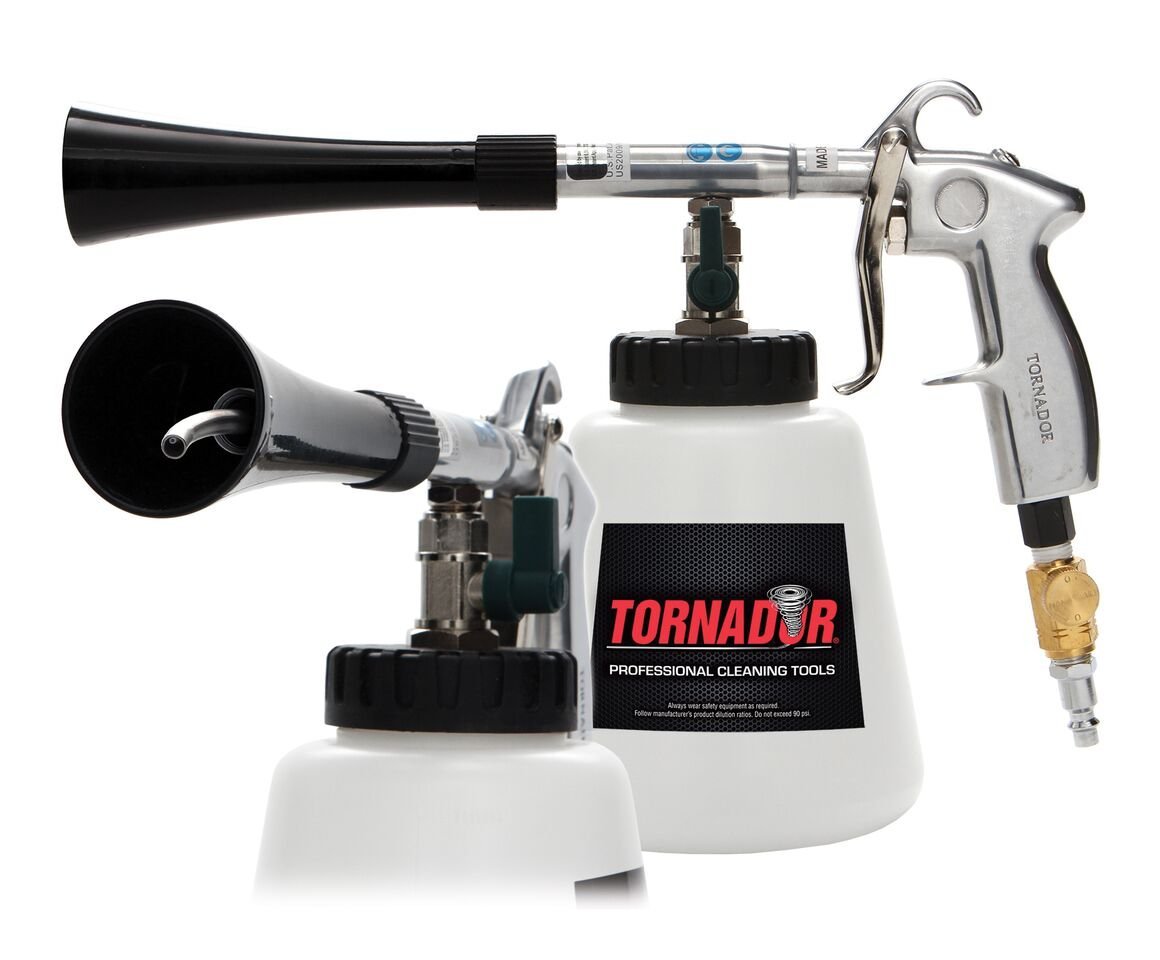
Cen-Tex lists separate Black rotation sets and Max spring rotation sets. The existence of two listings is a reason to verify the model and part number, not proof that either part will fix your symptom.
Likewise, the Classic inner liquid tube and Black inner liquid tube have different listings. Confirm the exact part against the manufacturer's diagram before purchase or installation.
Send a useful service inquiry
Provide the model number, symptom, air-supply details, cleaner used and the part number from the correct diagram. A clear photo of the tool label and suspected component can help the counter identify the request, but it does not replace safe inspection or establish the cause by itself.
Use Tornador's parts index and the Cen-Tex parts collection, or contact the counter. This checklist is a triage aid, not a repair authorization or a guarantee that a particular replacement will solve the fault.
Plan Your Order
Confirm model, compatibility and availability. Choose in-store pickup or eligible local delivery.